 PixScript


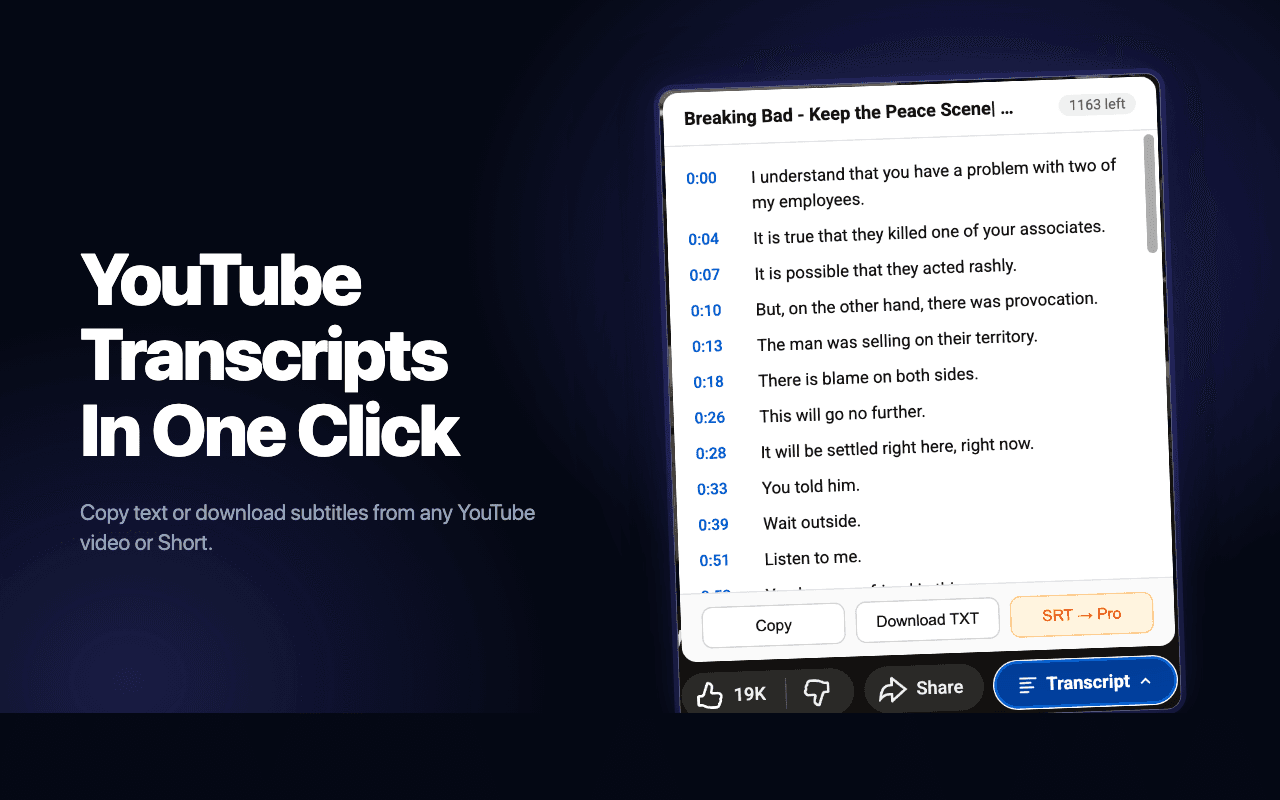
Everything you need, right inside Chrome
The extension is the fastest way to use PixScript. The full web app comes along for the ride.
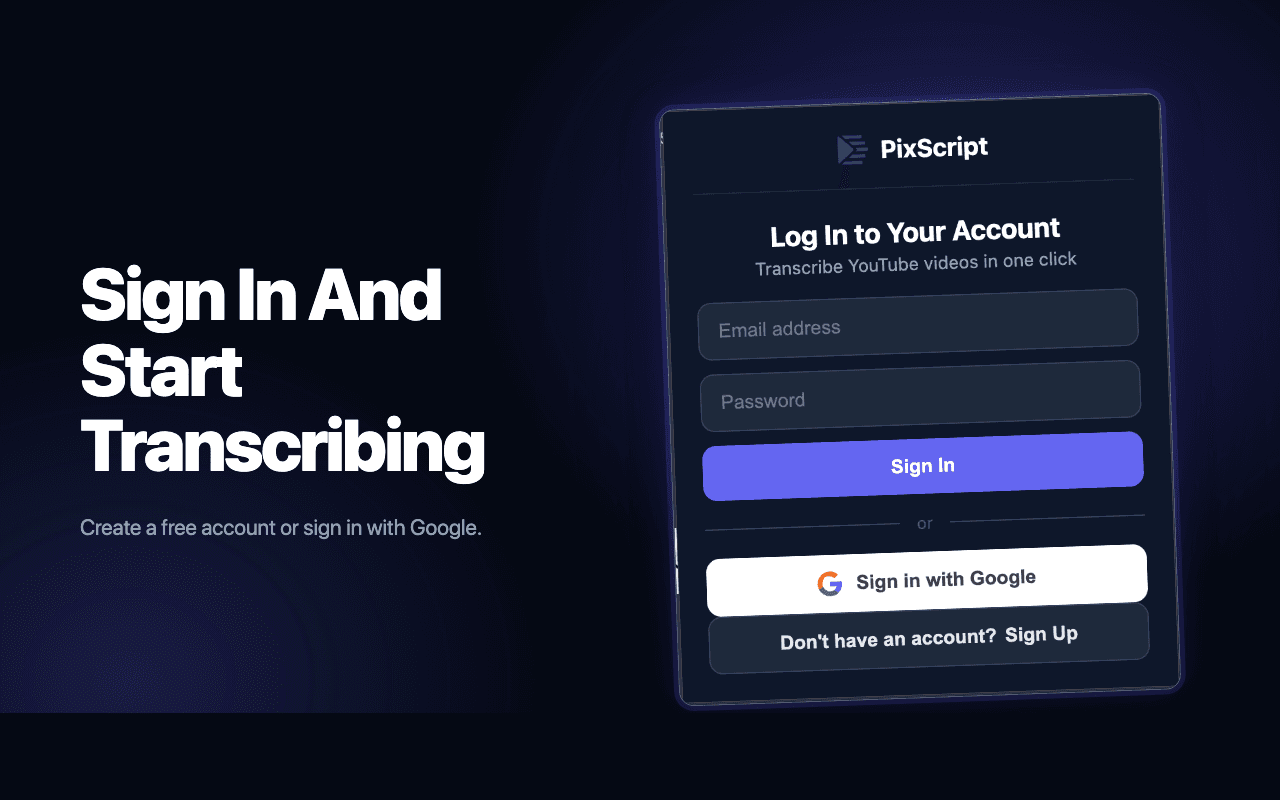
Sync with your account
Sign in once, transcribe anywhere
Sign in with the same Google account or email you use on PixScript. Your transcripts, usage, and plan stay in sync between the extension and the web app.
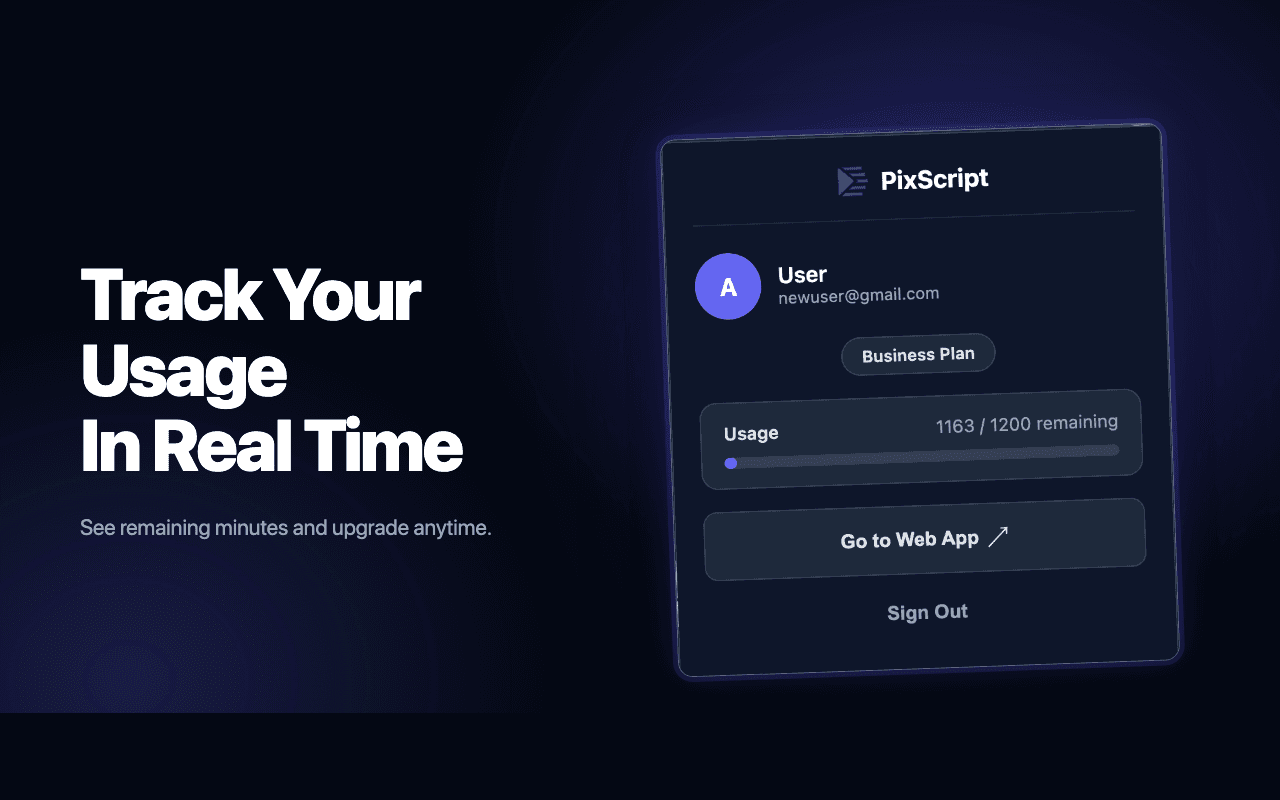
Real-time usage
Track minutes from the popup
See how many minutes you have left this month without leaving YouTube. Upgrade or manage your plan in two clicks if you need more.
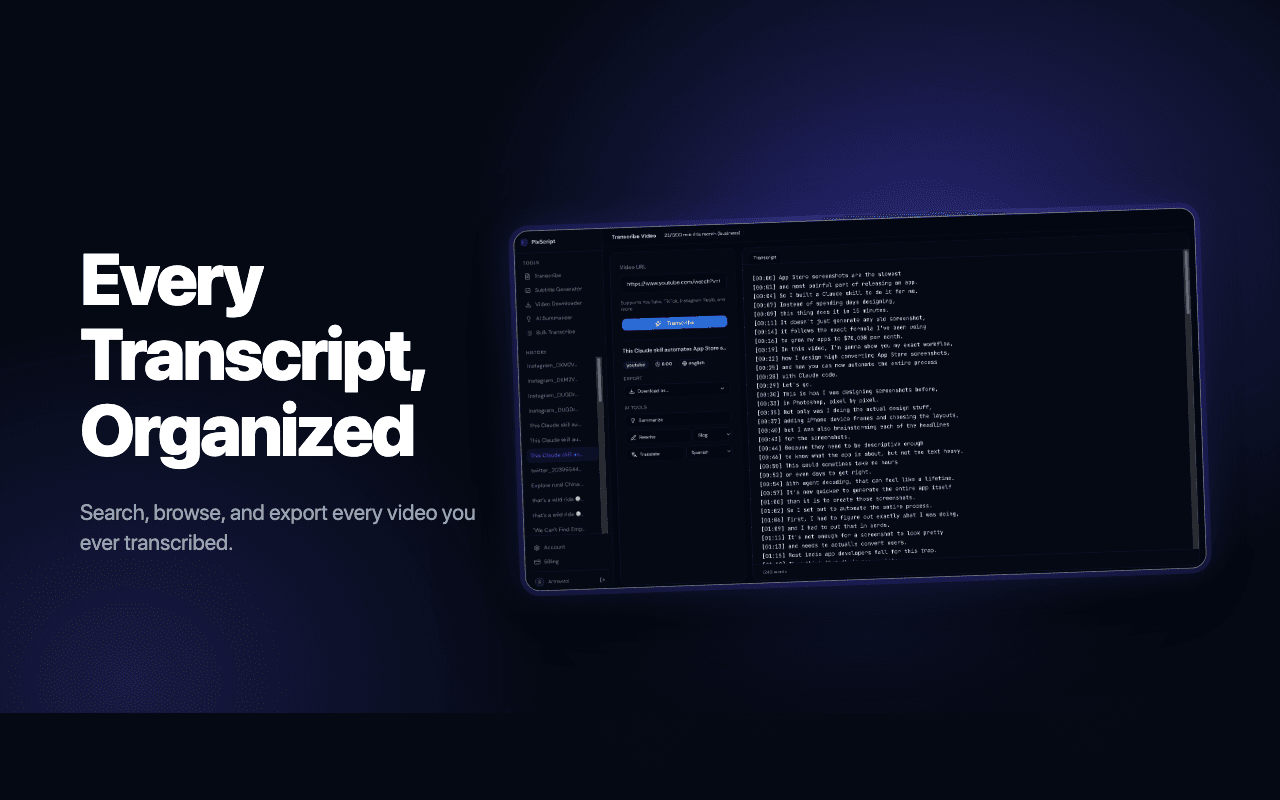
Searchable history
Every transcript, organized
Each transcript is automatically saved to your dashboard. Search across every video you've ever transcribed and re-export in any format.
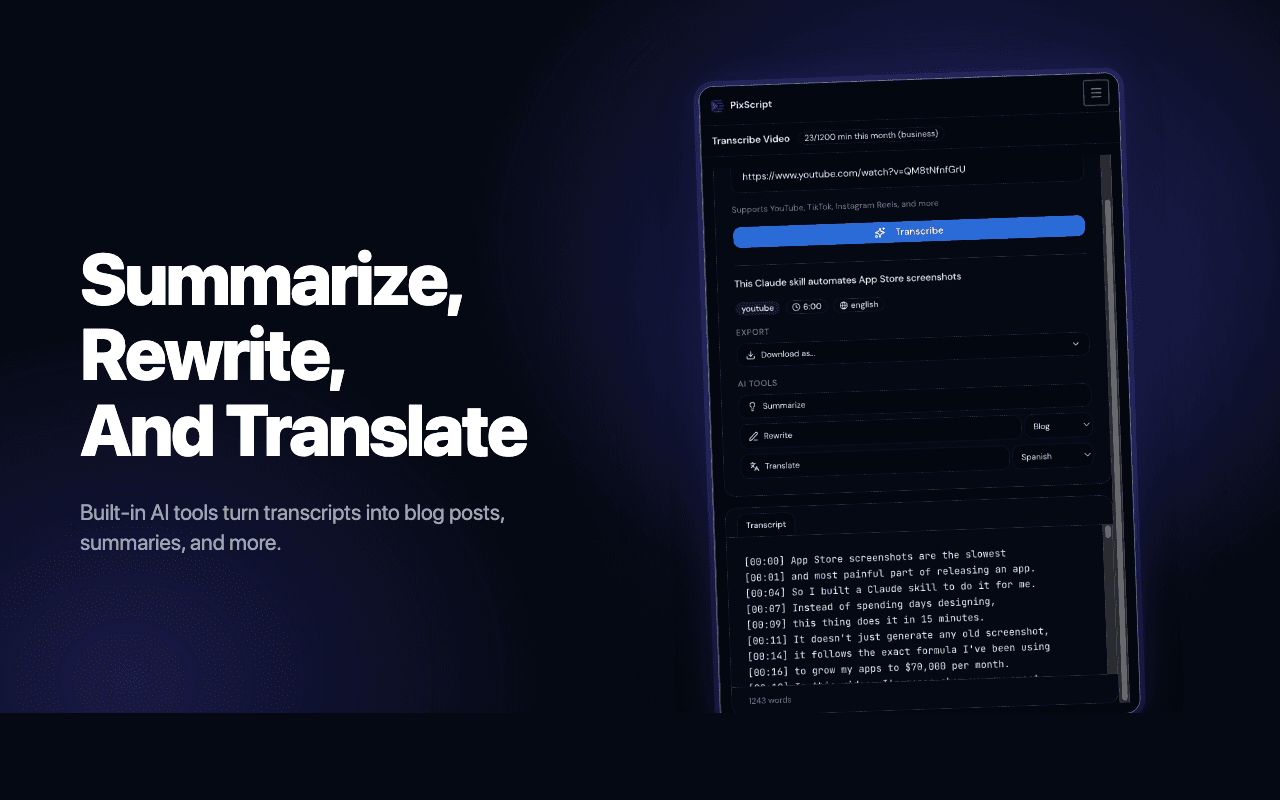
Built-in AI
Summarize, rewrite, translate
Turn any transcript into a blog post, a tweet thread, or show notes. Translate to 50+ languages. All powered by the same AI tools as the web app.
How It Works
From zero to a full transcript in under 30 seconds
Step 1
Add to Chrome
Install the free PixScript extension from the Chrome Web Store in one click.
Step 2
Open any YouTube video
Works on long-form videos, Shorts, live stream replays, and unlisted videos.
Step 3
Click to transcribe
Copy the full transcript, download as TXT or SRT, or open it in the PixScript dashboard.
Frequently Asked Questions
Everything you need to know about the extension
Is the extension free?
Yes. You can install the extension and transcribe up to 30 minutes of YouTube video every month for free. Paid plans unlock more minutes, SRT and VTT exports, and AI tools like summaries, rewrites, and translations.
Does it work on YouTube Shorts?
Yes. The extension transcribes Shorts the same way it transcribes regular videos. You'll get a timestamped transcript even when YouTube's auto-captions are missing or grayed out.
Do I need a PixScript account?
Yes — sign in with Google or email so the extension can save your transcripts to your dashboard and keep your usage in sync. Sign-up is free and takes a few seconds.
Which formats can I download?
TXT is available on the free plan. Pro and Business plans add SRT, VTT, PDF, and JSON exports — perfect for adding subtitles to your own uploads or piping transcripts into other tools.
Does the extension work on Firefox or Safari?
Right now the extension is Chrome-only, but it also works on Chromium-based browsers like Edge, Brave, Arc, and Opera. Firefox and Safari versions are on the roadmap.
What about my privacy?
The extension only runs on YouTube pages and only sends video URLs to PixScript when you actively click to transcribe. We never read your browsing history and we don't sell your data. See our privacy policy for details.