 PixScript
How to Get a Transcription with Timecodes
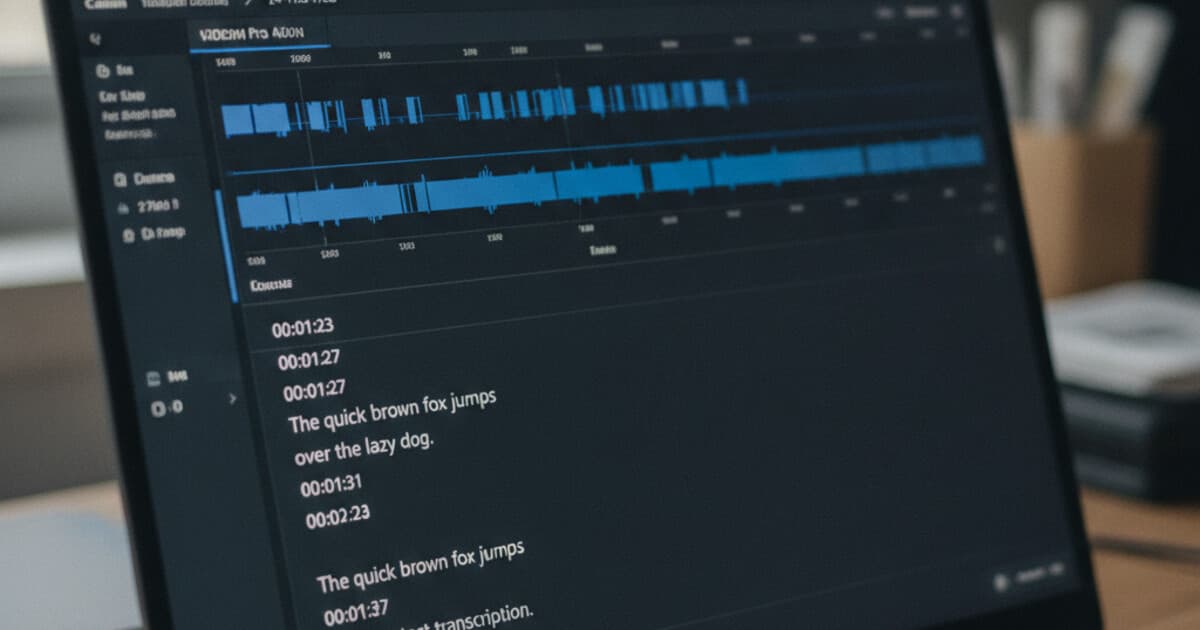
You're editing a 45-minute interview and need the moment where your subject mentions the Q3 numbers. You found it in the transcript by searching, but now you need to know exactly when it happens so you can cut to it in the timeline. A plain text transcript won't help you there. A transcription with timecodes will.
Every caption file you've watched on YouTube or Netflix started life as a timecoded transcript. The text appears and disappears at precisely the right moment because an SRT or VTT file ties each line to an exact window in the video. Generating one used to mean hours of manual sync work. AI transcription now produces timecoded output in under a minute.
A transcription with timecode attaches a start and end timestamp to each segment of spoken text, showing where it falls in the audio or video. Paste a URL or upload an audio or video file into PixScript, and the transcript generates with timestamps included. Download as SRT or VTT for machine-readable timecodes your video editor can import directly.
What Is a Timecoded Transcription?
A timecoded transcription pairs spoken words with exact positions in the audio or video timeline. Each entry has a start time, an end time, and the text spoken in that window.
SRT files format timecodes like this:
1
00:01:23,456 --> 00:01:27,890
We saw a 40 percent increase in Q3.

2
00:01:27,890 --> 00:01:31,200
That was ahead of initial projections.
VTT files use the same structure with a dot before milliseconds (00:01:23.456 --> 00:01:27.890) and a WEBVTT header at the top. Both are plain text files that any video editor or caption platform can read directly.
Timecoded transcription sits at the intersection of caption production, archival research, and video editing. The SRT format (SubRip Subtitle) emerged in the early 2000s from DVD ripping software and became the industry default because it's plain text, human-readable, and accepted by every major platform: YouTube, Vimeo, Adobe Premiere, DaVinci Resolve, and all broadcast tools. VTT (WebVTT) was formalized by the W3C in 2010 as the HTML5 caption standard; it added CSS styling support and metadata tracks while keeping the same timecode structure. Both formats express time as HH:MM:SS followed by milliseconds, giving resolution down to 1/1000th of a second. Modern AI transcription tools generate timecodes at the phrase or sentence level, with accuracy windows between 0.1 and 0.3 seconds. A 60-minute recording produces roughly 600 to 900 timestamped segments. Researchers, journalists, and video editors rely on this output to locate specific moments without scrubbing through recordings manually.
Why Timecodes Make Transcripts More Useful
Without timecodes, a transcript is a searchable document. With timecodes, it becomes a navigation tool for the recording itself.
Here's how different users actually put them to work.
Video editing. Editors read through a timecoded transcript to identify their best takes. When they find a line they want, the timecode tells them exactly where to cut in the timeline. For a 3-hour shoot, that trims review time from hours to 20 minutes. Adobe Premiere, DaVinci Resolve, and Final Cut all accept SRT files as reference layers.
Caption creation. SRT and VTT files slot directly into YouTube, Vimeo, and every major streaming platform. The captions sync automatically because the timing is baked into the file. There's no manual adjustment needed if the transcript is accurate.
Journalism and research. A 90-minute recorded interview with timecodes becomes a citable source. Note "00:47:12 — subject describes the agreement" and anyone with the recording can verify it in seconds. Lawyers, academics, and investigative journalists use this workflow to build defensible records.
Podcast show notes. Timestamped chapters in podcast notes ("12:34 — topic starts here") come from reading a timecoded transcript and pulling the markers. Doing it from memory is guesswork. From a timecoded transcript, it takes about 10 minutes per episode.
Accessibility compliance. WCAG 2.1 Success Criterion 1.2.2 requires captions for pre-recorded video content. Uploading an SRT file satisfies that for most web content. An AI-generated timecoded transcript gives you a working draft to clean up, which is far faster than building captions from scratch.
How to Get a Timecoded Transcript with PixScript
PixScript generates timecoded transcripts from YouTube (including Shorts), TikTok, and Instagram Reels URLs, plus uploaded audio and video files. The process takes under a minute for most content.
Step 1: Go to pixscript.com
You can transcribe without an account on the free tier (10 transcriptions per month). Signing in gives you transcript history, folder organization, and access to SRT and VTT export.
Step 2: Paste a URL or upload a file
For URL-based transcription: paste the link into the dashboard and click transcribe. PixScript handles YouTube full videos, YouTube Shorts, TikTok, and Instagram Reels.
For file upload: drag an audio or video file into the upload area. Supported formats include MP3, MP4, M4A, WAV, MOV, WEBM, and most common audio and video formats. Files up to 500 MB are accepted. File upload requires signing in.
Step 3: Wait for the transcript
Processing takes under 60 seconds for most files. The timestamped transcript appears in the dashboard when it's ready.
Step 4: Download as SRT or VTT
SRT and VTT export is available on the Pro plan ($9/month or $69/year). Download the file and drop it into your video editor, upload it to YouTube, or hand it off to a caption tool.
The free tier exports in TXT format. SRT and VTT with structured timecodes are Pro features.
If you're new to transcribing video content and want a broader walkthrough, our guide to transcribing a video covers the full process across multiple methods.
SRT vs VTT: Which Timecode Format to Use
SRT and VTT carry the same timecode information. The choice comes down to where you're using the file.
SRT is the universal default. Use it for YouTube uploads, video editing software (Premiere, DaVinci Resolve, Final Cut), and client deliverables. If you're unsure which format a platform accepts, SRT is almost always the safe pick.
VTT is the HTML5 standard. Use it for embedding a video player directly on a website, or when a specific platform specifies WebVTT. It's what goes in the <track> element of HTML5 video.
PixScript exports both. For a deeper look at the differences, see our SRT vs VTT format comparison.
How Accurate Are Timecodes in AI Transcripts?
Timecode accuracy and word accuracy are separate things, and they perform differently.
Word accuracy for AI transcription runs between 85% and 95% on clear English speech. Technical jargon, heavy accents, and overlapping speakers push that lower. Budget 5-10% cleanup time for any transcript going into a professional deliverable.
Timecode accuracy (the timestamps themselves, not the words) is tighter. AI models typically land within 0.1 to 0.3 seconds on start and end times. For caption work and video editing, that margin is imperceptible. For legal or archival transcription where millisecond precision matters, a human review pass is still standard.
One thing to watch: if the AI mishears a word and puts the wrong text in a timecode window, the timestamp still points to the right moment in the recording. Cleanup means correcting the word, not re-timing the file.
Frequently Asked Questions
What does timecoded transcription mean?
A timecoded transcription attaches a start time and end time to each segment of spoken text, marking exactly where it falls in the audio or video. The format in SRT files looks like 00:01:23,456 --> 00:01:27,890. Video editors and caption platforms use these timestamps to sync text to the correct moment automatically.
Do SRT files include timecodes?
Yes. Every entry in an SRT file has a timecode range formatted as HH:MM:SS,milliseconds. Each entry has a sequence number, the timecode range, and the transcript text below it. VTT files use the same structure with a dot before milliseconds. Both are plain text files that video software reads directly.
Does PixScript add timestamps to every transcript?
PixScript generates timestamps for all transcriptions. They're visible in the dashboard on all tiers. SRT and VTT download (structured timecode files that import directly into video software) is available on the Pro plan, starting at $9/month.
Can I get timecodes on the free plan?
The free tier gives you 10 transcriptions per month with TXT export. SRT and VTT export with structured timecodes requires Pro ($9/month). You can view timestamps inside the PixScript dashboard on the free tier.
What's the difference between a timestamp and a timecode in a transcript?
In transcription, the terms are often used the same way. A timestamp marks a single point in time (00:01:23). A timecode in a caption file includes both start and end times for each segment (00:01:23,456 --> 00:01:27,890), telling a player exactly when to show and hide each caption line. SRT and VTT use the timecode format.
Paste a YouTube, TikTok, or Instagram Reels URL into PixScript at pixscript.com and the timestamped transcript is ready in seconds. Upload an MP3, MP4, or other audio or video file for offline recordings. Upgrade to Pro for SRT and VTT export and drop the timecodes directly into your editing timeline.