 PixScript
How to Get a SoundCloud Transcript (3 Methods)
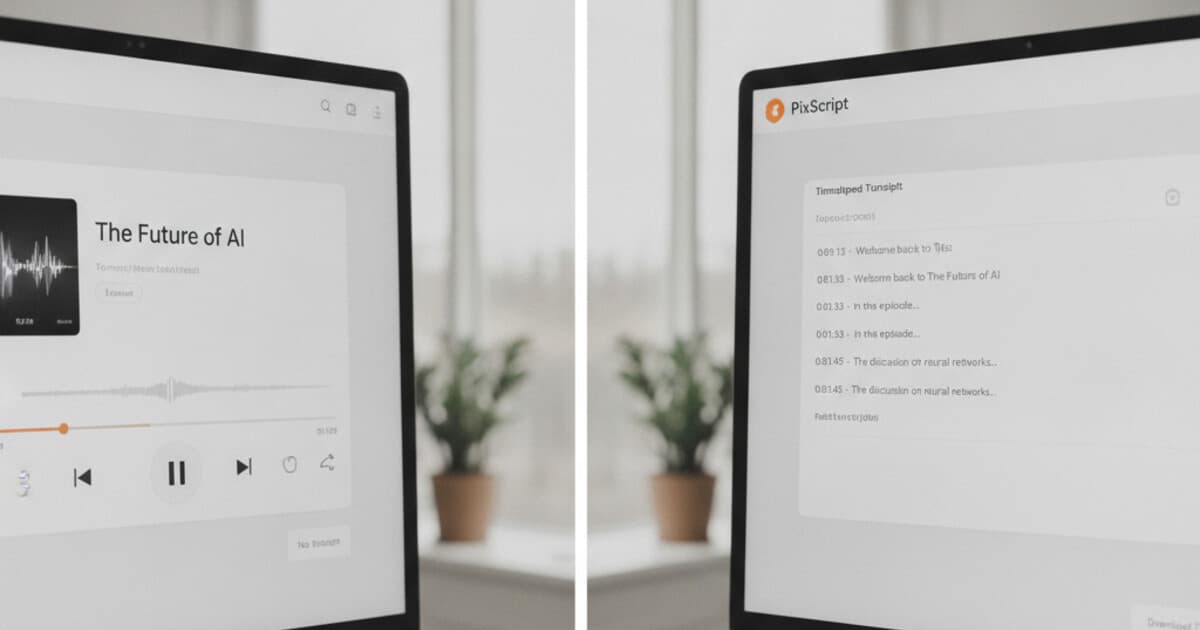
SoundCloud hosts over 300 million tracks, including podcast episodes, interviews, audio essays, and spoken-word content alongside its music catalog. If you need a text version of a SoundCloud track, there's no built-in button for it. Unlike YouTube, which shows a transcript panel on most videos, SoundCloud has no transcription or caption tool for listeners. The platform added a Chapters feature for podcasters, but that marks time segments in an episode, not text. To get a SoundCloud transcript, you need to download the audio file or find it through the show's RSS feed, then run it through a transcription tool. This guide covers 3 methods that actually work.
SoundCloud doesn't have a built-in transcript feature. To transcribe a SoundCloud track, download the episode's MP3 file and upload it to PixScript, which returns a full transcript with timestamps and SRT export. Podcast episodes on SoundCloud may also have creator-added transcripts accessible through Apple Podcasts or Overcast if the host has enabled them.
Does SoundCloud Have Built-In Transcription?
SoundCloud has no transcription tool for listeners, and there's no transcript panel in the web player or mobile app.
SoundCloud launched in 2007 and has grown into one of the largest audio hosting platforms globally, with over 300 million uploaded tracks spanning music, podcasts, DJ mixes, audiobooks, and spoken-word content. As of 2026, SoundCloud has no native transcription or captioning tool available to listeners. The platform added a Chapters feature in 2022 that lets podcasters mark named time segments in episodes, but chapters produce no text output and can't be repurposed for transcription or search indexing. SoundCloud does support the podcast:transcript tag from the Podcast Index namespace standard, which allows a podcast creator to embed a link to a transcript file in their RSS feed. Supporting podcast apps like Apple Podcasts, Overcast, and Pocket Casts can then surface that transcript to listeners. But this only works when the creator has already generated and uploaded a transcript file elsewhere. For the majority of SoundCloud content, no creator-provided transcript exists, and listeners need to download the audio and use a third-party tool.
For creators on the SoundCloud for Artists plan, there's also no built-in AI transcription inside the dashboard. You'd need to generate a transcript externally and link to it from your RSS feed manually.
Method 1: Download the Audio and Transcribe With PixScript
This is the most reliable method for getting a SoundCloud transcript, whether you're a listener or a creator.
Step 1: Get the MP3 file.
The path here depends on the track:
- Creator-enabled downloads: Some SoundCloud creators allow free downloads. If the track has a Download button below the waveform, click it and you'll get an MP3 directly.
- Your own uploaded content: If you uploaded the track yourself, log into SoundCloud for Artists, go to your track's edit page, and download from there.
- Podcast episodes via RSS: If the SoundCloud track is a podcast episode, find the show's RSS feed URL (often linked on the show's page or their website) and open it in your browser. Look for the
<enclosure url="...">tag on the episode you want. That URL is the direct MP3 link. Right-click it and save.
Step 2: Upload to PixScript.
Go to pixscript.com and choose the file upload option. Select the MP3 you downloaded. PixScript handles files up to 30 minutes on the Pro plan ($9/month) and unlimited length on Business ($19/month). The free tier covers files up to 5 minutes, which works for short clips or previews.
Step 3: Get your transcript.
PixScript processes the file and returns a timestamped transcript in a few minutes. From there you can:
- Download as SRT (for YouTube captions if you're cross-posting the episode)
- Download as VTT (for embedding in web video players)
- Download as PDF or TXT
- Generate an AI summary for a quick episode overview
- Use AI rewrite to turn the transcript into a blog post or show notes
For a broader look at transcription tools that handle audio uploads, see our guide to the best audio to text converters in 2026.
Best for: Anyone who needs a full transcript with timestamps and export options. Also the only option for tracks without creator-provided transcripts.
Method 2: Check the Podcast RSS Feed for Transcripts
If the SoundCloud content is a podcast episode and the creator has added transcripts to their RSS feed, you might already have access without downloading anything.
Find the show's RSS feed URL (usually listed on the podcast's website or their SoundCloud profile). Open it in your browser and look for a <podcast:transcript> tag on the episode you want. If it's there, the tag points to an external URL where the creator uploaded the transcript file, typically a plain text or SRT file. Open that URL to get the text.
This method only works when:
- The podcast creator has deliberately enabled and uploaded transcripts
- Their hosting platform supports the Podcast Index transcript standard
- The episodes are recent enough that the creator was using the feature
Most SoundCloud tracks, including all music and DJ sets, will have no RSS transcript. This method is worth a quick check for podcast episodes, but don't count on it as a primary path.
For a step-by-step guide to transcribing any podcast episode from scratch, see how to transcribe a podcast episode for free.
Method 3: Use Your Podcast App to Access Transcripts
If you're listening to a SoundCloud-distributed podcast through Apple Podcasts or Overcast, the transcript might already be inside your app without needing to download anything.
In Apple Podcasts: Open the episode and look for a transcript icon (the speech bubble symbol) in the player controls. If it appears, the show's host has provided a transcript and Apple Podcasts is surfacing it. Tap it to open and read.
In Overcast: The transcript feature appears for episodes where the podcast's RSS feed includes a podcast:transcript tag. Open the episode and look for a text view option in the player.
In Pocket Casts: Pocket Casts shows transcripts when they're embedded in the RSS feed. Similar to Overcast, look for a text option in the episode view.
If none of these options appear, or if you're accessing content directly through SoundCloud's web player or mobile app, fall back to Method 1. The Spotify podcast transcript guide covers a similar workflow for Spotify-hosted content if you want to compare approaches.
Best for: Listeners who follow a podcast through a supporting app and want quick read access without downloading files.
Which SoundCloud Transcript Method Should You Use?
Here's a quick decision guide:
- You're the creator and need SRT files for video captions: Method 1 (PixScript upload)
- You're a listener and the show is a podcast: Start with Method 3 (check your podcast app), then try Method 2 (RSS feed), then fall back to Method 1
- The track is music, a DJ mix, or spoken word without RSS: Method 1 (download + PixScript)
- You need timestamps, AI summary, or translation into another language: Method 1 (PixScript)
- You need a free option for a short clip: Method 1 with PixScript's free tier (up to 5 minutes)
SoundCloud's lack of native transcription isn't unusual for audio-first platforms, but it does mean there's no single-click path like YouTube's transcript panel. The download-and-upload workflow with PixScript adds about 5 minutes to your process and gives you a clean, exportable transcript with timestamps. For creators, PixScript also lets you translate your SoundCloud episode transcript into 10 languages on Pro or 50+ on Business, which is useful if you're building an audience across multiple regions.
Frequently Asked Questions
Does SoundCloud have a transcript feature?
SoundCloud has no built-in transcription tool for listeners or creators. The platform supports the Podcast Index podcast:transcript RSS tag, which lets creators link to an external transcript file in their feed. But this requires the creator to have already made the transcript themselves. For most SoundCloud content, you'll need to download the audio and use a third-party tool like PixScript.
Can I get a free SoundCloud transcript?
PixScript's free tier handles files up to 5 minutes and gives you a TXT export at no cost. For full-length episodes, the Pro plan at $9/month covers files up to 30 minutes with SRT, VTT, PDF, and TXT export options. The free tier works well for short clips, trailers, or episode previews.
How do I download a SoundCloud track as an MP3?
If the creator enabled downloads on a track, there's a Download button below the waveform on the track's page. For podcast episodes, find the show's RSS feed and pull the MP3 link from the <enclosure> tag on the episode you want. If you uploaded the track yourself, you can download it from the SoundCloud for Artists dashboard.
Can PixScript transcribe SoundCloud music or DJ mixes?
PixScript's transcription works on speech-based audio: podcasts, interviews, lectures, spoken-word recordings, and voiceovers. Music tracks and DJ mixes contain no speech to transcribe, so submitting them will produce low-quality output or no usable text. If your SoundCloud content is speech-based, PixScript handles it accurately.
How long does it take to transcribe a SoundCloud episode with PixScript?
A 30-minute episode typically processes in 2 to 3 minutes. A 60-minute episode on the Business plan takes around 5 minutes. You can watch progress in your transcript history or wait for the completion notification.
If you produce podcast content on SoundCloud and want transcripts with subtitle exports, timestamps, and multilingual support, PixScript handles all of it from a single MP3 upload.