 PixScript
How to Get an Omny Studio Transcript (3 Methods)
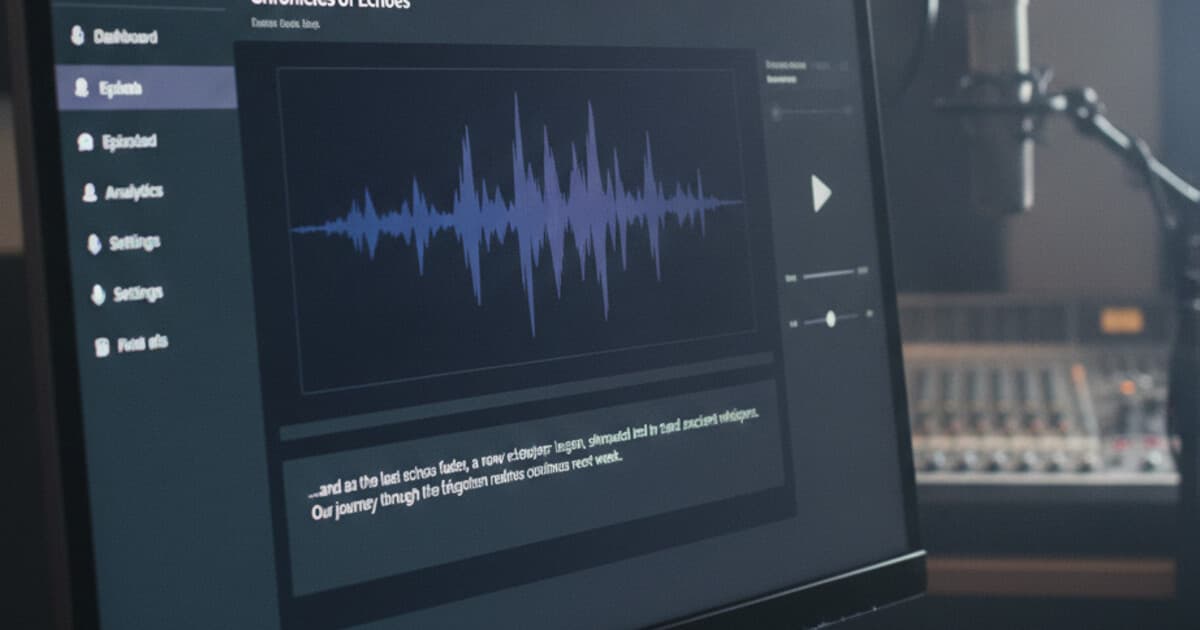
Omny Studio hosts podcasts for some of the biggest names in broadcasting. iHeart stations, ESPN Radio, Bloomberg, and thousands of independent shows all publish through the platform. But when you need a transcript from an Omny Studio episode, the process isn't obvious.
Built-in transcription exists on Enterprise plans, but it's not available to most users. And even when it is, export options are limited. Whether you're a listener, journalist, researcher, or a podcaster on a lower tier, these 3 methods work for any Omny Studio episode.
To get an Omny Studio transcript, download the episode MP3 from a podcast app or the show's website, then upload it to a transcription tool like PixScript. Alternatively, check Apple Podcasts or Overcast, since some Omny Studio shows publish machine-readable transcripts that appear automatically. Enterprise Omny users can also access built-in transcription from the episode dashboard.
Does Omny Studio Include Transcription?
Omny Studio is built for professional broadcasters. It's owned by Triton Digital and serves more than 5,000 radio stations and podcast networks worldwide, including major iHeartMedia properties and sports networks like ESPN Radio.
Transcription is a paid feature locked to the Enterprise plan. On lower tiers, there's no transcript tab in the dashboard. Even Enterprise accounts have a key limitation: built-in transcripts stay inside Omny's interface and don't export as SRT or VTT files.
Omny Studio is a professional podcast hosting and distribution platform operated by Triton Digital, the audio measurement and technology company. Triton Digital powers podcast ad insertion, audience analytics, and distribution for more than 5,000 radio broadcasters and podcast networks worldwide, including major iHeartMedia properties, ESPN Radio, and Bloomberg. Omny Studio's Enterprise tier includes automatic transcription, generated at publish time using AI speech recognition. Transcription isn't available on lower-tier plans, and even Enterprise transcripts don't export in SRT or VTT format. This matters for broadcasters repurposing radio content as video clips; subtitle files require a separate step. For WCAG 2.1 Level AA compliance, audio content requires a text alternative, and SRT files are the most portable format for distributing those across platforms. Omny Studio also supports the podcast:transcript namespace from the Podcast Index open standard, meaning Enterprise users can attach machine-readable transcripts that appear automatically in Apple Podcasts, Overcast, and Pocket Casts.
That SRT gap is worth flagging early. If you're clipping segments for YouTube Shorts or social video and need synced captions, Omny's native tooling won't cover it. A dedicated transcription tool does.
Method 1: Download the Episode MP3 and Upload to PixScript
This is the most reliable option. It works for any Omny Studio episode, at any account level, whether you're the host or a listener.
Step 1: Get the episode audio. Open the podcast in Apple Podcasts, Spotify, Overcast, or any other app and use the download option to save the episode file. You can also visit the show's website directly. Most Omny Studio-hosted shows have a playable episode page with a download link, or you can pull the MP3 URL from the show's RSS feed.
Step 2: Upload to PixScript. Head to pixscript.com and click "Upload File." Select the MP3 from your device. The free tier handles files up to 5 minutes; the Pro plan ($9/month) goes up to 30 minutes, and Business covers unlimited length.
Step 3: Download your transcript. PixScript generates a timestamped transcript in about a minute for most episodes. Export it as TXT for copy-paste use, PDF for documentation, or SRT/VTT if you're adding captions to video clips.
The SRT export is worth highlighting here. Since Omny Studio's built-in transcription won't produce subtitle files, this is the step that fills the gap. Upload once, download a ready-to-use SRT file, attach it to your clip.
PixScript also has an AI summary feature on Pro plans. After the transcript generates, you can get a paragraph-length summary of the episode in one click. That's useful for show notes, newsletters, or social captions when you're working through a batch of episodes.
For a broader look at how different tools handle podcast files, the guide to best podcast transcription software compares the main options side by side.
Method 2: Check Podcast Apps for Auto-Generated Omny Studio Transcripts
Some Omny Studio shows publish machine-readable transcripts using the podcast:transcript namespace, part of the open Podcast Index standard. When a show supports it, compatible apps display the transcript automatically — no downloading, no uploading.
Apple Podcasts shows a transcript panel below the player for any episode that includes one. Tap the speech bubble icon. You can read through it, search for a specific quote, or tap any sentence to jump directly to that moment in the audio.
Overcast and Pocket Casts both support the standard. Open the episode details and look for a Transcript tab.
The catch: most Omny Studio podcasts below the Enterprise tier haven't set this up. If the transcript option isn't showing in your app, the show hasn't published a machine-readable transcript. That's not a technical glitch — the host just hasn't enabled it. In that case, Method 1 is the path forward.
When this method works, it takes about 10 seconds. When it doesn't, it tells you nothing about what else might be available. Treat a missing transcript tab as a cue to download the audio instead.
Method 3: Use Omny Studio's Built-In Transcript Feature
If you're a podcaster hosting on Omny Studio's Enterprise plan, transcription is already in your dashboard.
Open the episode in Omny Studio and click the Transcript tab. Enterprise accounts get automatic transcription generated at publish time. You can read through it, correct speaker labels, and fix any words the AI misheard. That's particularly useful for technical topics or shows with multiple hosts.
From there, you have two options. You can push the transcript to your RSS feed, which makes it available to listeners in Apple Podcasts and other supporting apps. Or you can copy the text to use directly in show notes, episode summaries, or a companion blog post.
What you can't do from Omny's built-in feature: export an SRT or VTT file. That's the recurring limitation. Many Enterprise broadcasters split the work: Omny Studio handles the full-episode transcript published to the feed, and PixScript handles the SRT files needed when clipping individual segments for video.
Which Omny Studio Transcript Method Should You Use?
It depends on two things: whether you control the podcast, and whether you need a subtitle file.
If you're a listener or researcher who needs to read or search through an episode, check your podcast app first (Method 2). It's instant when the show supports it. If there's no transcript tab, download the audio and use PixScript.
If you're repurposing content and need subtitle files, Method 1 with PixScript is the right path. It produces SRT and VTT files that attach directly to video clips without extra steps. The audio to text converter guide covers how to handle batches of files if you're processing multiple episodes at once.
If you're an Omny Studio Enterprise podcaster managing your own content, Method 3 is cleanest for feed management. Add PixScript to the workflow for any clip that needs a subtitle file.
Frequently Asked Questions
Does Omny Studio have built-in transcription?
Omny Studio includes automatic transcription on Enterprise plans. Lower tiers don't have it. If you're on a smaller plan or need SRT or VTT export, downloading the episode MP3 and uploading it to PixScript is the fastest workaround.
Can I get a transcript from an Omny Studio podcast for free?
Yes. Download the episode MP3 from the podcast app or the show's website, then upload it to PixScript's free tier. You get 10 transcripts per month at no cost, covering files up to 5 minutes. Longer episodes need a paid plan.
Do Omny Studio podcasts support the podcast:transcript namespace?
Some do. Omny Studio supports the open podcast:transcript standard on Enterprise plans, which makes transcripts appear automatically in Apple Podcasts, Overcast, and Pocket Casts. Check your podcast app first before downloading the audio manually.
Can I export an Omny Studio transcript as SRT or VTT?
Omny Studio's built-in transcript tool doesn't export SRT or VTT files. For subtitle files, upload the episode audio to PixScript, which exports both formats on the Pro plan and above.
What's the fastest way to transcribe an Omny Studio episode?
Download the episode MP3 from the podcast app, then upload it to PixScript. Most episodes under 30 minutes are done in under a minute, with timestamps included and multiple export formats available.
If you're pulling transcripts from Omny Studio content regularly, PixScript cuts the process to a few clicks. Upload the episode MP3, get a timestamped transcript with SRT export, and keep moving. Start free at pixscript.com — 10 transcripts per month at no cost.